
How to Add a Store Locator to Your Wix Website in Under 30 Seconds
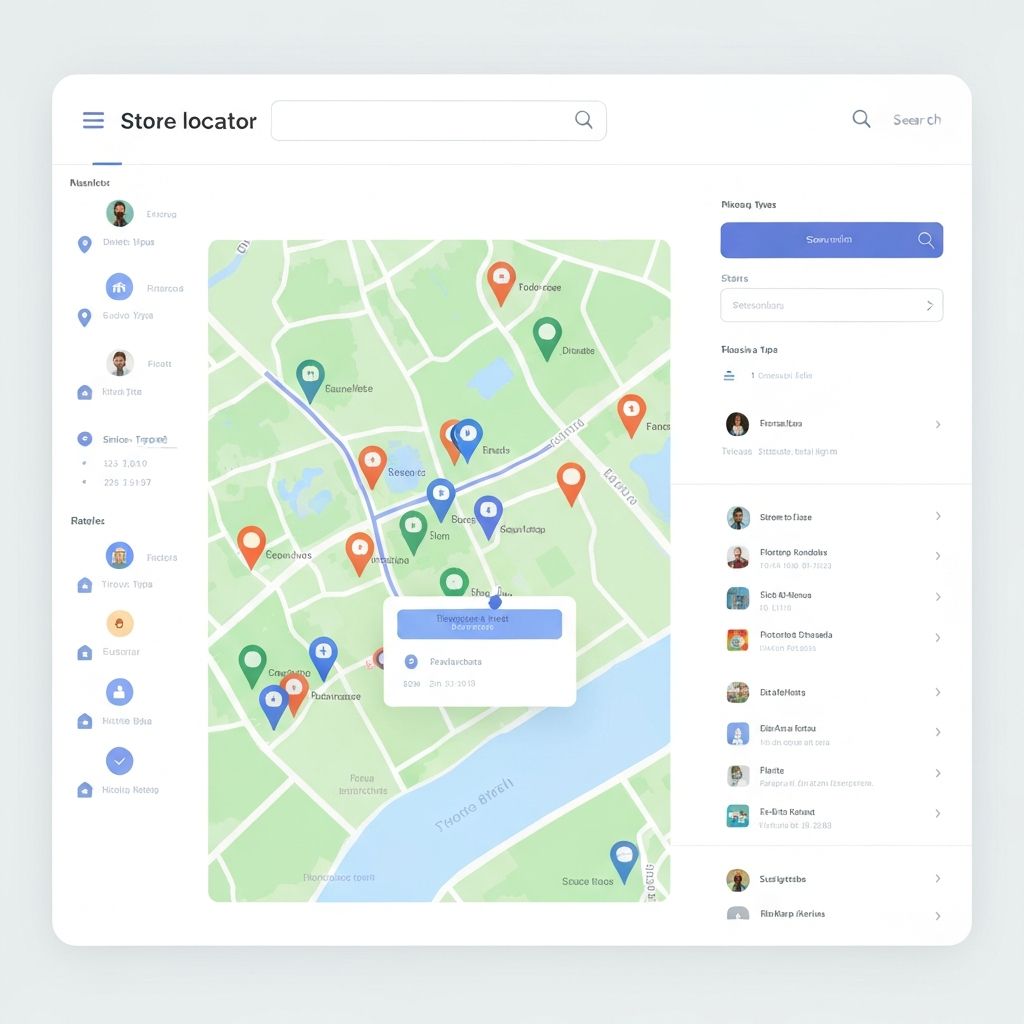
The Easiest Way to Add a Store Locator to Wix
If you've ever tried to add a store locator to your Wix website, you know it can be a frustrating experience. Most solutions require complex API keys, coding knowledge, or expensive third-party integrations that take hours to set up.
That's exactly why we built Mapify.
What Makes Mapify Different?
Mapify is the first store locator widget built specifically for Wix that requires absolutely no API key and takes under 30 seconds to set up. Here's how it works:
Step 1: Add the Widget (5 seconds)
Simply search for Mapify in the Wix App Market and click "Add to Site". That's it. No registration, no API keys, no configuration files.
Step 2: Import Your Locations (15 seconds)
Our AI-powered import system understands any file format. Whether you have an Excel spreadsheet, a CSV file, or even a PDF with your store addresses, just drag and drop it into Mapify. The AI automatically maps your data to the correct fields.
Step 3: Customize (10 seconds)
Choose from dozens of pre-made themes or customize the colors, pin styles, and layout to match your brand perfectly. Every setting is accessible through an intuitive visual panel—no code required.
Real Results from Real Users
"We went from spending 3 hours setting up a store locator with our old solution to literally 20 seconds with Mapify. Game changer." - Mike T., E-commerce Director
Why Store Locators Matter for Your Business
Having a properly configured store locator isn't just about convenience—it directly impacts your bottom line:
Getting Started Today
Ready to add a professional store locator to your Wix site? Click the button below to get started with Mapify's free trial. No credit card required.
[Get Started Free →]
What You Get with Mapify
Transform your Wix website with a professional store locator in under 30 seconds. Try Mapify today.
Ready to transform your Wix website?
Add a professional store locator to your site in under 30 seconds. No API key required.